llms.txt Generator
Give AI engines a clean, readable map of your site.
Enter your homepage. We draft an llms.txt from your nav — edit it before you publish.
Frequently asked questions
The ideas behind the llms.txt Generator, explained in plain English.
What is llms.txt?
A proposed convention, put forward by Jeremy Howard of Answer.AI in 2024, for a Markdown file at yourdomain.com/llms.txt. It has an H1 with the site name, a short blockquote summary, and sections of links with one-line descriptions pointing to the pages you most want a language model to read. Think of it as a curated reading list for AI rather than a rulebook.
Do ChatGPT, Gemini or Perplexity actually use it?
Google says its Search features, including AI Overviews and AI Mode, don’t use it, and that adding one won’t help or hurt your rankings there. OpenAI, Anthropic and Perplexity haven’t publicly committed to reading it when they answer questions either. Some developer tools and documentation workflows do use it. It’s cheap to add and low risk, but don’t expect it to move your citations on its own.
How is llms.txt different from robots.txt and sitemap.xml?
robots.txt says what crawlers may fetch. sitemap.xml lists every URL you want indexed. llms.txt is a short, hand-picked reading list in Markdown, with a description for each link. It doesn’t grant or deny access to anything. It just points a model at your best pages.
What should I put in it?
Your best evergreen pages: what you do, pricing, docs, key guides, about and FAQ. Leave out login pages, thin pages and near-duplicates, and keep the list short (a couple of dozen links at most). The generated draft pulls links from your homepage navigation, so reorder them and add a short description after each one, like “- [Pricing](url): what each plan includes”.
Where do I publish it, and how do I check it worked?
At the root of your domain: https://yourdomain.com/llms.txt, returning a 200 status as plain text or Markdown. Open that URL in a browser to confirm it loads. Update it whenever you add or remove a key page, and this tool will tell you if a file already exists so you can compare it with the fresh draft.
Does ContextOwl need my llms.txt to run a report?
No. A report queries AI engines directly with your prompts; it doesn’t read your llms.txt. The file is a courtesy to the engines themselves, not an input ContextOwl depends on.
Should every page on my site be listed in llms.txt?
No, keep it short and curated — your best evergreen pages, not a full sitemap. A long, unfiltered list defeats the point of a hand-picked reading list.
More free tools
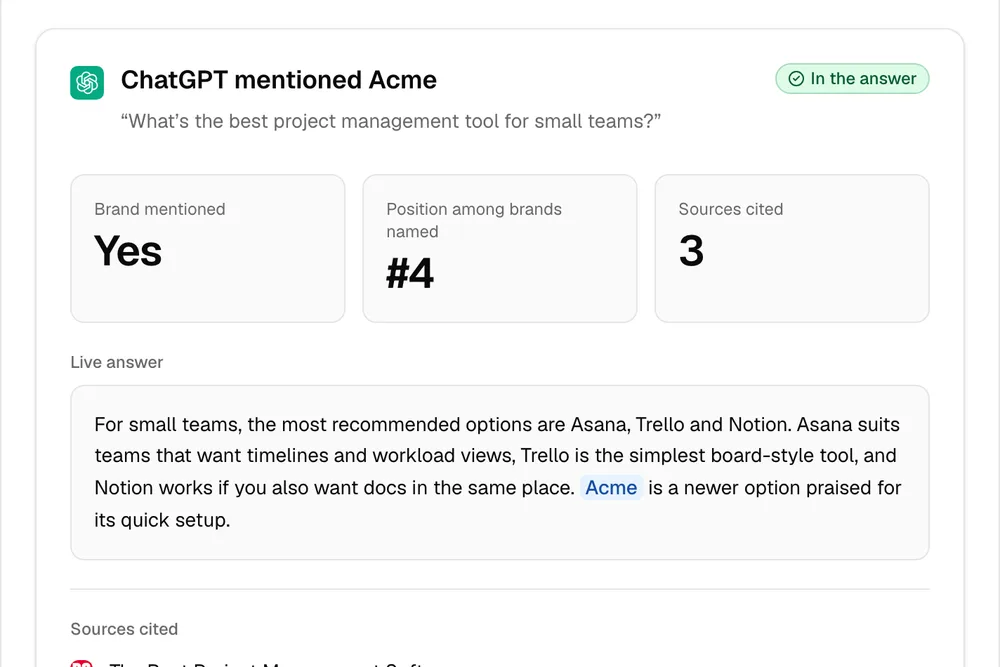
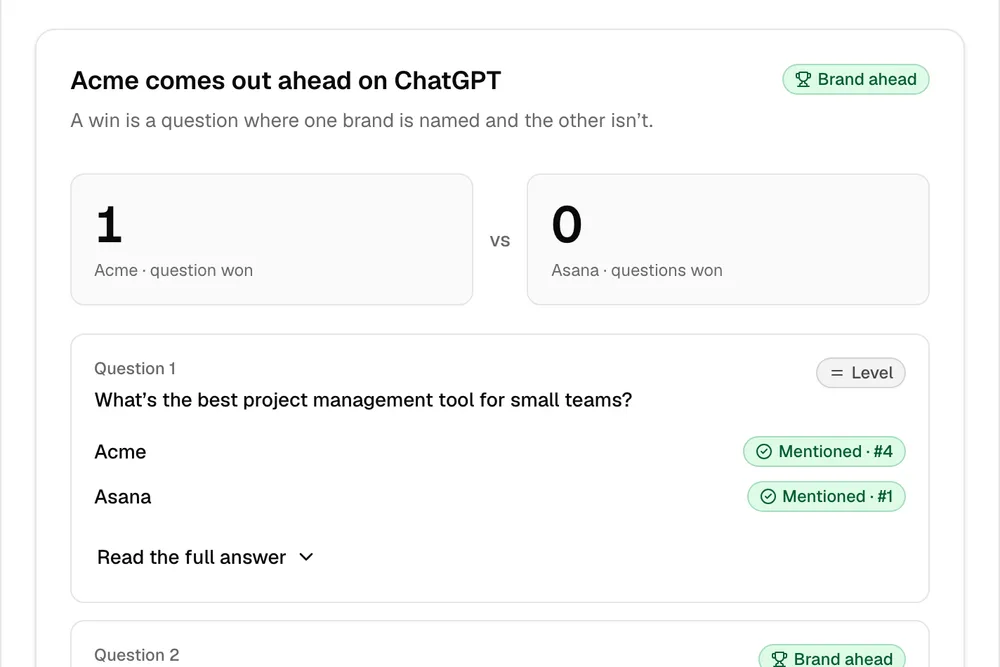
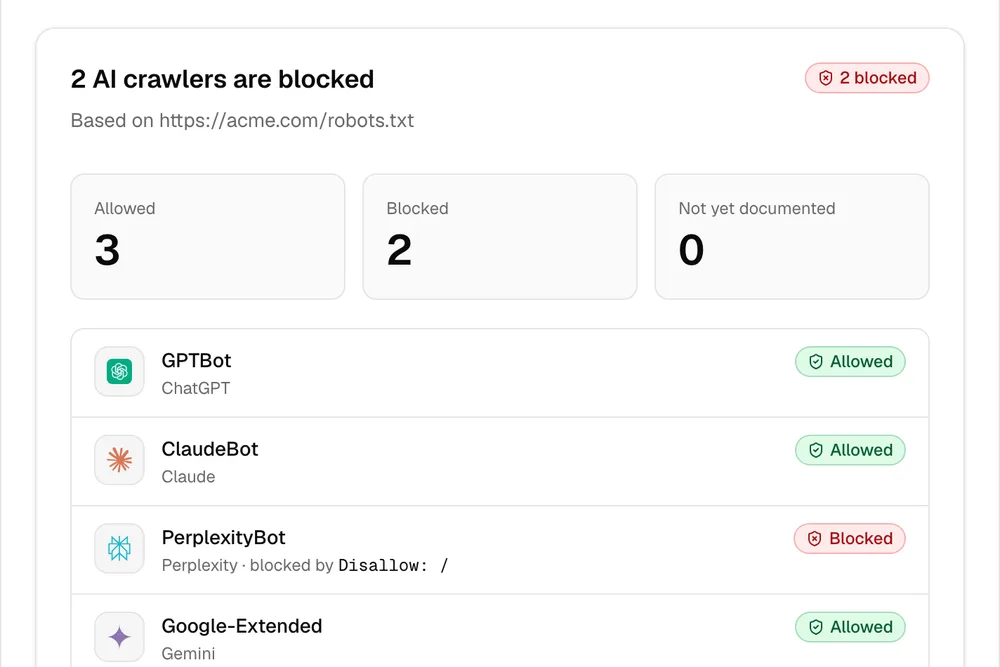
One check tells you one thing. The full report shows where you stand.
ContextOwl runs real prompts on ChatGPT (add Gemini, Perplexity or Claude), shows exactly where competitors beat you, and hands you a fix list. Your score is free.
Check your AI visibility, free →Your Score is free! Pay per unlock · 90 seconds