AI Bot Access Checker
If an AI crawler can’t fetch your pages, it can’t cite them.
We read your robots.txt and show which AI crawlers get through, plus the lines to fix it.
Frequently asked questions
The ideas behind the AI Bot Access Checker, explained in plain English.
What is robots.txt, and why do AI crawlers care about it?
robots.txt is a plain-text file at the root of your domain (yourdomain.com/robots.txt) that tells crawlers which parts of your site they may fetch. The major AI companies publish crawler names and say those crawlers follow it. If your file disallows a bot, that bot won’t fetch your pages, so it can’t use them as a live source. It’s a request rather than enforcement, though. A crawler that ignores it can’t be stopped by robots.txt alone.
Which AI crawlers does this tool check?
GPTBot (OpenAI), ClaudeBot (Anthropic), PerplexityBot, Google-Extended (Google’s opt-out token for Gemini) and Bingbot (which feeds Microsoft Copilot). Google-Extended doesn’t control Google Search or AI Overviews. Those follow Googlebot.
What’s the difference between a training crawler and a search crawler?
Some providers run separate bots for separate jobs. OpenAI, for example, documents GPTBot (collecting content that may be used for training), OAI-SearchBot (building a search index) and ChatGPT-User (fetching a page because a user asked, where OpenAI says robots.txt rules may not apply). Blocking one doesn’t automatically block the others. This tool checks the main documented token per engine, so treat the result as a first pass and read each provider’s crawler docs for finer control.
If I allow every bot, will AI engines start citing me?
No. Access is a precondition, not a ranking factor. Engines still choose sources based on relevance, authority and how easy your content is to extract. Also, robots.txt is only one gate: a firewall, CDN or bot-protection rule can block crawlers even when robots.txt says yes. This tool reads robots.txt only.
How does the checker decide a bot is blocked?
It fetches /robots.txt, finds the group for the bot’s user-agent (falling back to the “User-agent: *” group) and looks for a blanket “Disallow: /”. It’s deliberately simple: path-specific rules such as “Disallow: /blog/” aren’t scored, and if there’s no robots.txt at all, every crawler is treated as allowed, which is how crawlers behave too.
If a crawler is blocked, does that affect a ContextOwl report?
No. A ContextOwl report asks each AI engine your question directly, through its own API or web-search tool — it doesn’t depend on your robots.txt. Blocking a crawler affects whether that engine can use your pages as a live source, not whether ContextOwl can check what it says.
Should I deliberately block any AI crawlers?
Only if you have a specific reason to, like keeping internal or paywalled pages out of training data. For a brand that wants AI visibility, the default answer is to allow the crawlers that feed the engines you care about, since a blocked crawler can’t cite you at all.
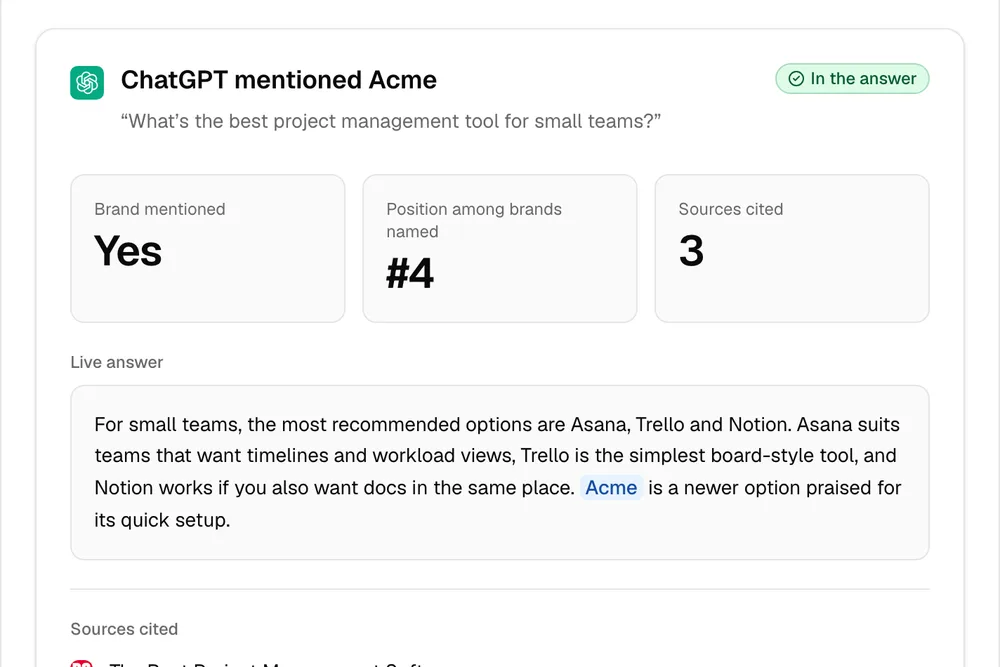
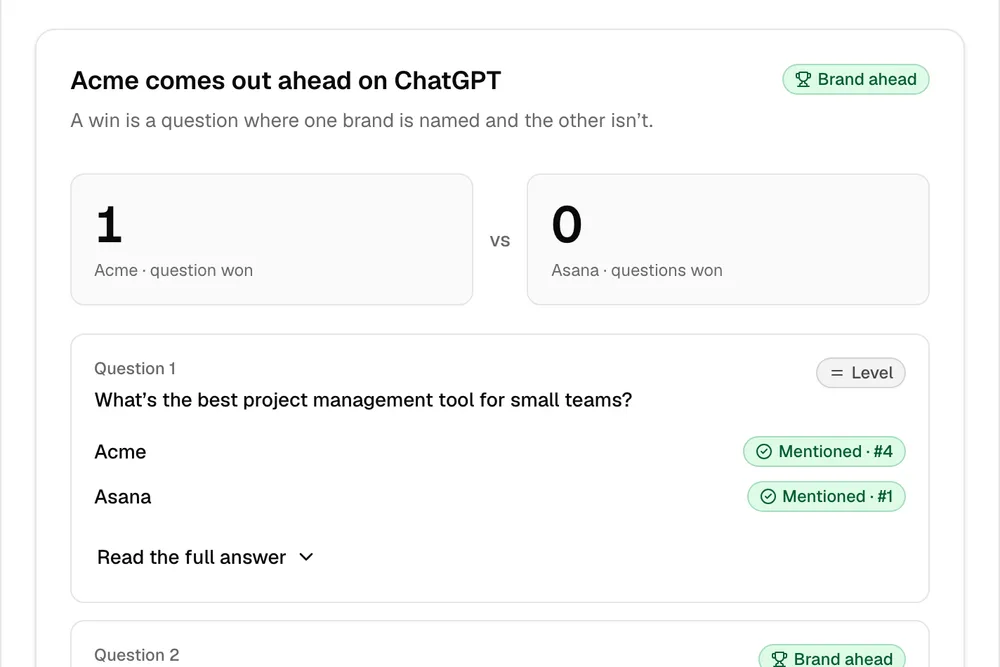
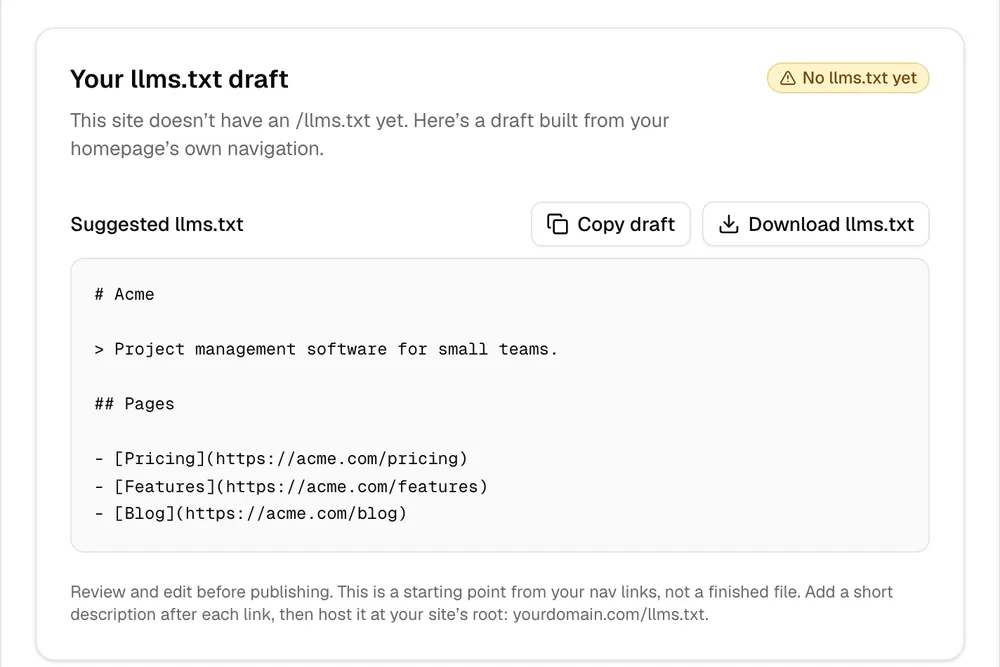
One check tells you one thing. The full report shows where you stand.
ContextOwl runs real prompts on ChatGPT (add Gemini, Perplexity or Claude), shows exactly where competitors beat you, and hands you a fix list. Your score is free.
Check your AI visibility, free →Your Score is free! Pay per unlock · 90 seconds